Speech to Markdown
Speak freely, braindump style, and get clean, structured Markdown back in real time. With local AI, on your Mac.
Why
In May 2026, I wanted voice input to do more of the work between having an idea and writing it down. A transcript kept the words, including every detour and half-finished thought. I still had to turn it into something I could use.
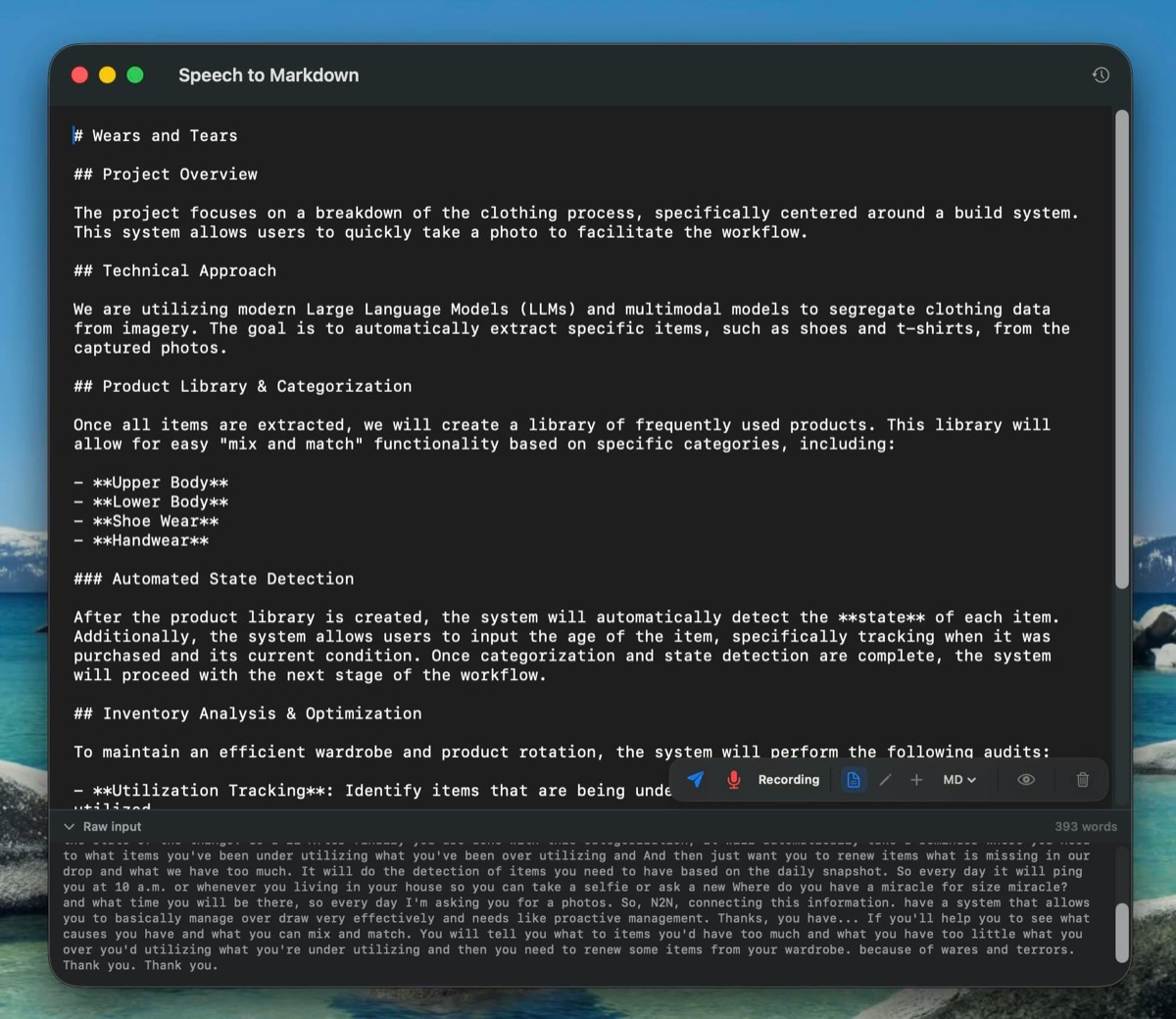
I built the first Speech to Markdown tool inside TaskSquad: Whisper transcribed locally, then an agent or model organized the speech in chunks. I could think out loud, pause, change direction, and watch a document take shape. The article introducing it was itself written with the tool.
It became the local AI prototype I actually used daily. By July, I’d turned it into a standalone Mac app. My first idea dictated into it was another feature for the app: global dictation, giving the spare buttons on my keyboard something useful to do.
How
On the Mac, Whisper transcribes your speech on-device and a local model organizes it. You choose how new words affect the document:
- Format: talk freely while the model keeps restructuring the whole document into headings, paragraphs and lists.
- Append: clean up and add only the new material, keeping longer sessions responsive.
- Edit: say “make the intro shorter” or “turn this into bullets” to revise what’s already there.
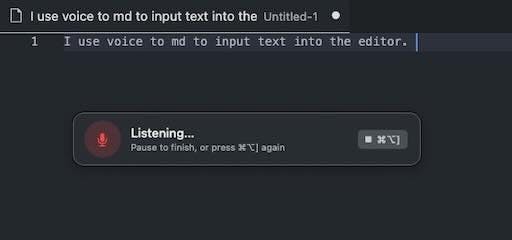
- Global dictation: focus a text field in another app, press a hotkey, and speak straight into it.
The raw transcript stays available alongside the formatted result, and sessions can be reopened. Markdown is the default; plain text and HTML are available too.
The separate iOS app launched in July 2026. It uses Apple’s on-device speech recognition and Apple Intelligence, so it works offline without a separate model server. I still use the Mac version most: when an idea arrives at my laptop, I open it and start talking. My backlog has never been longer; finding time to build those ideas is the next problem.